FluencyLog
Coming soon to iPhone, iPad & Android

Count stuttering without looking down.

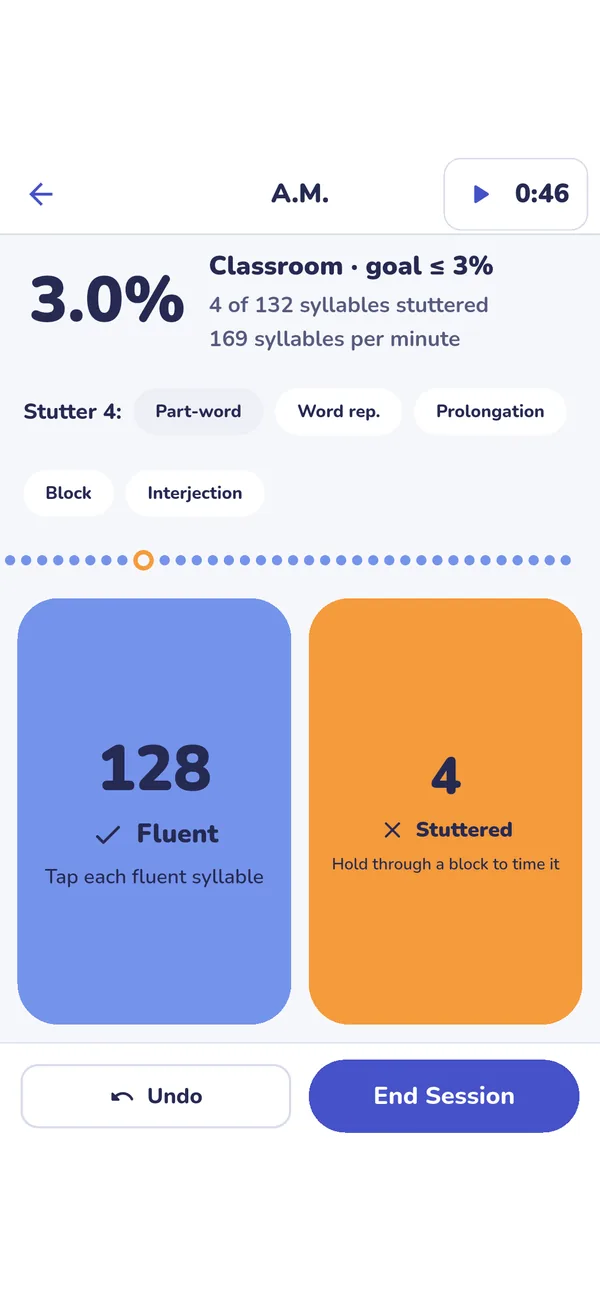
FluencyLog is a stuttering counter for speech-language pathologists. While your client talks, tap Fluent or Stuttered for each syllable, one thumb on each side. FluencyLog shows % syllables stuttered and syllables per minute as you go, and turns the sample into a clean PDF for the client's file.

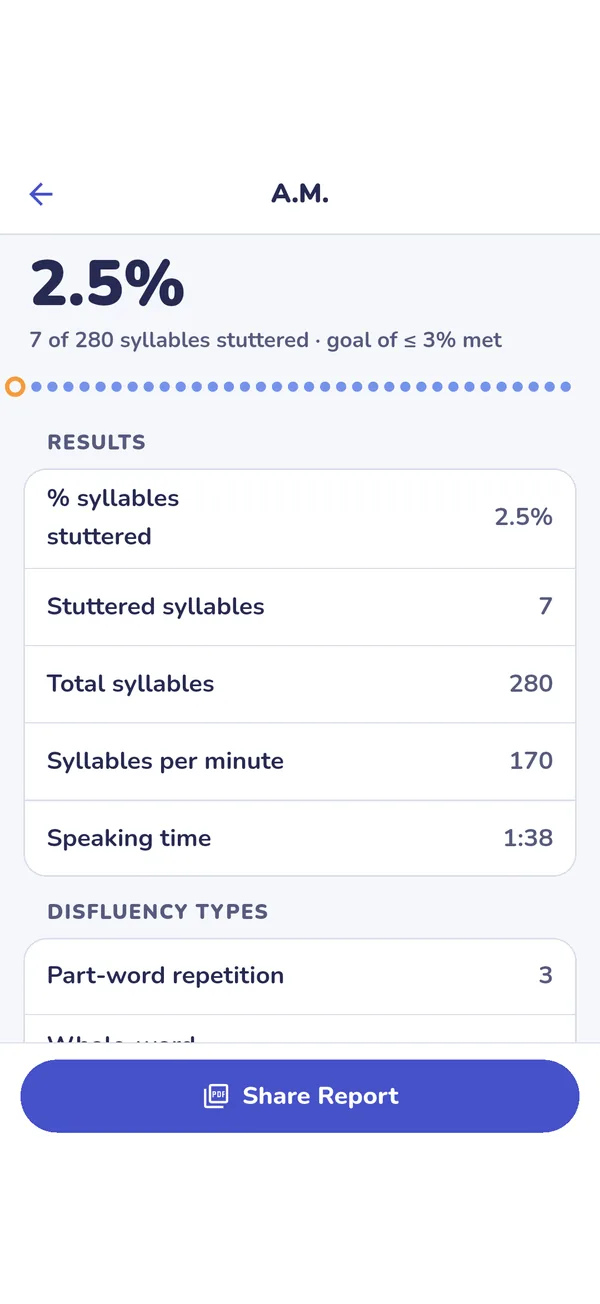
A finished FluencyLog session at 2.5% syllables stuttered
FluencyLog counting pad with large Fluent and Stuttered zones and live % syllables stuttered
How it works

Tap Fluent or Stuttered. FluencyLog does the timing, the math and the report.

Features

Built for speech-language pathologists

Two-thumb counting

  • Two large zones, Fluent and Stuttered, sized for two thumbs
  • Live % syllables stuttered (%SS), stuttered and total syllables, and syllables per minute
  • Undo for the tap you didn't mean
  • The screen stays awake while you count
Types and timing

  • Tag each stutter with one more tap: part-word repetition, whole-word repetition, prolongation, block or interjection
  • Hold Stuttered through a block or prolongation to time it
  • A speaking-time timer that starts with the first syllable, with pause for when your client isn't talking

Reports for the case file

  • Session report: %SS against the goal, syllables per minute, counts by type, the longest disfluencies, notes and a signature line
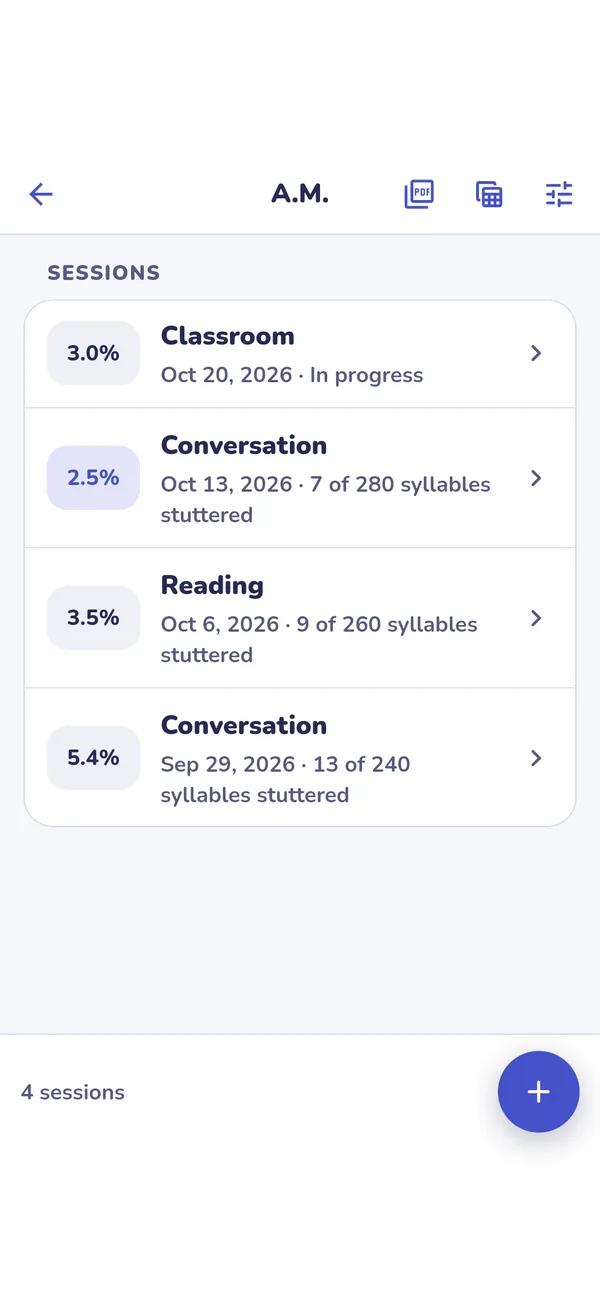
  • Progress report: a chart and table of every session, with a summary per setting
  • CSV export of every session for a spreadsheet or data system

Raw measures, clearly explained

  • % syllables stuttered, syllables per minute and the longest timed disfluencies
  • Every report says how each number is calculated
  • FluencyLog counts; it doesn't compute a standardized severity score

Your caseload

  • A setting or task for each sample (classroom, reading, conversation, phone call) and a %SS goal
  • Notes for the report, and private notes that never leave the app
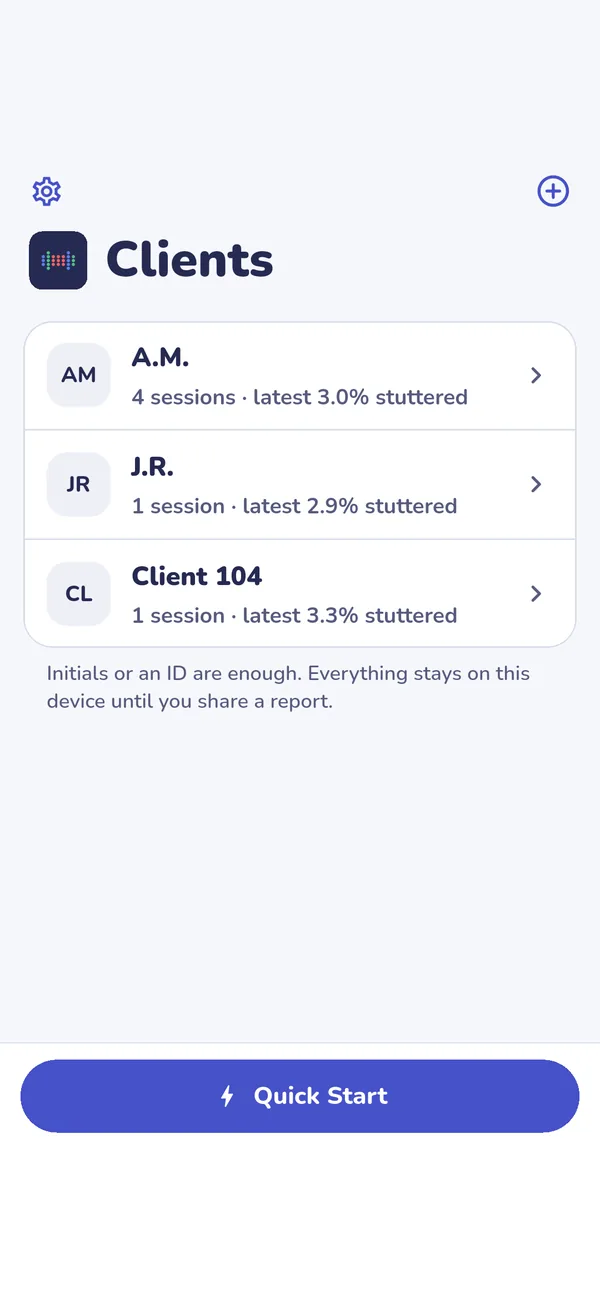
  • Quick Start a session now and assign it to a client later

Private by design

  • No account and no sign-in
  • Clients can be initials or an ID
  • Everything stays on your device; nothing is uploaded, tracked or shared unless you share a report
Read the privacy policy